'/%3e%3cpath%20d='M31%2038c0-8%206-14%2014-14h38c8%200%2014%206%2014%2014v52c0%208-6%2014-14%2014H45c-8%200-14-6-14-14V38z'%20fill='url(%23tmPanel)'%20filter='url(%23tmShadow)'/%3e%3cpath%20d='M44%2044h40'%20fill='none'%20stroke='%23f97316'%20stroke-width='8'%20stroke-linecap='round'/%3e%3cpath%20d='M44%2061h24'%20fill='none'%20stroke='%23fdba74'%20stroke-width='8'%20stroke-linecap='round'/%3e%3cpath%20d='M43%2087l13-14%2011%2010%2017-21%202%2025H43z'%20fill='%23fb923c'/%3e%3ccircle%20cx='84'%20cy='58'%20r='6'%20fill='%23f97316'/%3e%3cpath%20d='M77%2091l16-18%2014%2014'%20fill='none'%20stroke='%2316a34a'%20stroke-width='7'%20stroke-linecap='round'%20stroke-linejoin='round'/%3e%3cpath%20d='M99%2074h-6v-6'%20fill='none'%20stroke='%2316a34a'%20stroke-width='7'%20stroke-linecap='round'%20stroke-linejoin='round'/%3e%3cpath%20d='M30%2034c8-10%2020-15%2034-15s26%205%2034%2015'%20fill='none'%20stroke='%23fff7ed'%20stroke-width='5'%20stroke-linecap='round'%20opacity='.92'/%3e%3cpath%20d='M27%2096c9%208%2021%2012%2037%2012s28-4%2037-12'%20fill='none'%20stroke='%23fff7ed'%20stroke-width='5'%20stroke-linecap='round'%20opacity='.72'/%3e%3c/svg%3e)
TP-Link
Tapo P110 Smart Plug, Energy Monitoring WiFi Plug, Max 13A (single plug)
A single UK smart plug with energy monitoring in the Tapo app. TP-Link documents an electricity-rate setting, including time-of-use rates, so you can see estimated costs as well as kWh.
Updated October 10, 2026
- Energy monitoring through the free Tapo app (listing and maker page)
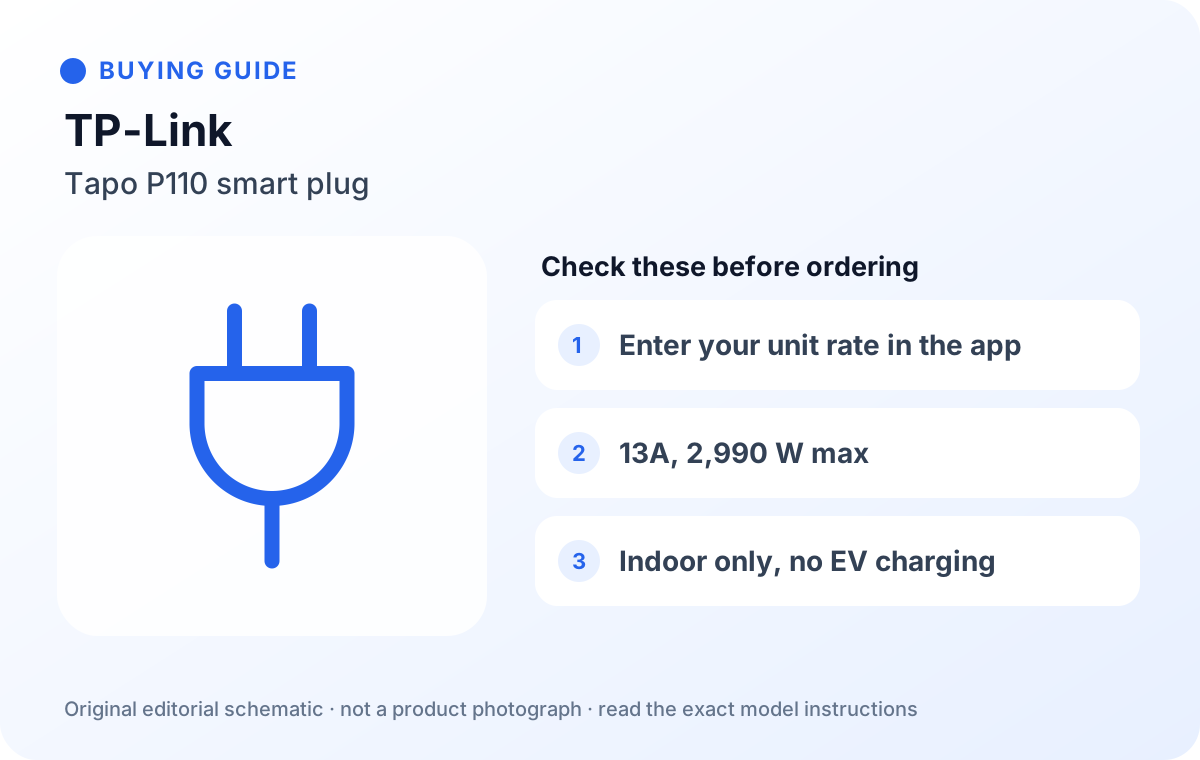
- Maker FAQ: enter your electricity rate; single billing for fixed tariffs, periodic billing for time-of-use rates
- Rated output 13A max, 2,990 W; indoor use only (listing)
- Listing: avoid motors or compressors above 1/6 HP; EV charging not supported
- Works with Alexa and Google Assistant; 2.4 GHz Wi-Fi, no hub (maker page)
- Schedules, timers and device sharing in the app (listing)
Good for
Anyone who wants to measure appliances one at a time and see an estimated cost in pence, including people on Economy 7 or time-of-use tariffs.
Skip it if
Heaters, kettles, EV charging or anything outdoors; households that want Apple Home via Matter (that is the separate P110M).
Our take
On this page
Our verdict
The Tapo P110 is the easier plug for working out running costs, because TP-Link documents exactly how the cost figure is calculated. Its energy-monitoring FAQ describes entering your electricity rate, choosing single billing for a fixed tariff or periodic billing for rates that change by season, weekday or time of day, and it is honest that the result is an estimate for reference only. That makes it a good measuring tool for standby checks and weekly kWh readings.
Its limits are the ones printed on the listing: 13A and 2,990 W maximum, indoor use only, no motors or compressors above 1/6 HP and no EV charging. The variant trap is the name: TP-Link also sells the P110M (a Matter version) and 2- and 4-packs of the P110. This link is a single P110.
Getting accurate cost figures
Update the plug's firmware and the Tapo app first; TP-Link says the electricity-rate features need P110 firmware 1.1.2 or newer and app version 2.10 or newer. Enter your own unit rate from your bill, not the standing charge, and check the currency shows pence. Then measure one appliance for a day on standby and a week in normal use before moving the plug on.
FAQ
Does the Tapo P110 need a hub?
No. TP-Link says no hub is required; it connects to 2.4 GHz Wi-Fi.
Can I use it with Economy 7?
Yes, in principle. TP-Link's periodic billing option lets you set peak and off-peak rates, so enter your two rates there.
Is the cost figure what I will be billed?
No. TP-Link describes it as an estimate for reference only; your supplier's meter is what counts.
How we researched this
Checked on 10 October 2026 against the Amazon.co.uk listing, TP-Link UK's product page and its energy-monitoring FAQ. We did not buy or use this plug.