'/%3e%3cpath%20d='M31%2038c0-8%206-14%2014-14h38c8%200%2014%206%2014%2014v52c0%208-6%2014-14%2014H45c-8%200-14-6-14-14V38z'%20fill='url(%23tmPanel)'%20filter='url(%23tmShadow)'/%3e%3cpath%20d='M44%2044h40'%20fill='none'%20stroke='%23f97316'%20stroke-width='8'%20stroke-linecap='round'/%3e%3cpath%20d='M44%2061h24'%20fill='none'%20stroke='%23fdba74'%20stroke-width='8'%20stroke-linecap='round'/%3e%3cpath%20d='M43%2087l13-14%2011%2010%2017-21%202%2025H43z'%20fill='%23fb923c'/%3e%3ccircle%20cx='84'%20cy='58'%20r='6'%20fill='%23f97316'/%3e%3cpath%20d='M77%2091l16-18%2014%2014'%20fill='none'%20stroke='%2316a34a'%20stroke-width='7'%20stroke-linecap='round'%20stroke-linejoin='round'/%3e%3cpath%20d='M99%2074h-6v-6'%20fill='none'%20stroke='%2316a34a'%20stroke-width='7'%20stroke-linecap='round'%20stroke-linejoin='round'/%3e%3cpath%20d='M30%2034c8-10%2020-15%2034-15s26%205%2034%2015'%20fill='none'%20stroke='%23fff7ed'%20stroke-width='5'%20stroke-linecap='round'%20opacity='.92'/%3e%3cpath%20d='M27%2096c9%208%2021%2012%2037%2012s28-4%2037-12'%20fill='none'%20stroke='%23fff7ed'%20stroke-width='5'%20stroke-linecap='round'%20opacity='.72'/%3e%3c/svg%3e)
How to use an energy-monitoring smart plug to find out what your appliances really cost
An energy-monitoring smart plug measures what one appliance uses, in watts and kWh. Enter your unit rate, measure standby and normal use for a week, then multiply kWh by pence per kWh. This guide walks through the set-up, the sums with the current Ofgem cap rate, which loads a 13A plug should not carry, and two UK plugs that do the job.
Quick answer: Plug the appliance into an energy-monitoring smart plug, enter your electricity unit rate in the plug's app, then measure two things: what it draws on standby and how many kWh it uses in a normal week. Cost is simply kWh multiplied by your pence-per-kWh rate. If you do not know your rate, Ofgem's GB average cap for Direct Debit customers from 1 October to 31 December 2026 is 26.32p per kWh. Keep heaters, EV chargers and big motor appliances off the plug, and treat the app's figure as an estimate, not a bill.
What a monitoring plug can and cannot tell you
An energy-monitoring plug sits between the wall socket and one appliance and measures the power flowing through it. Most apps show live power in watts, a running energy total in kWh and, once you enter a tariff, an estimated cost. That is enough to answer the questions most people actually have: is the games console wasting power overnight, what does the dehumidifier cost per week, is the old chest freezer worth replacing?
It cannot tell you what your whole home uses (your smart meter or bill does that), and it is not a billing meter. TP-Link's own FAQ says the Tapo app's electric bill figure is an estimated cost for reference only and that real costs depend on your energy supplier. Use it to compare appliances and habits, not to dispute a bill.
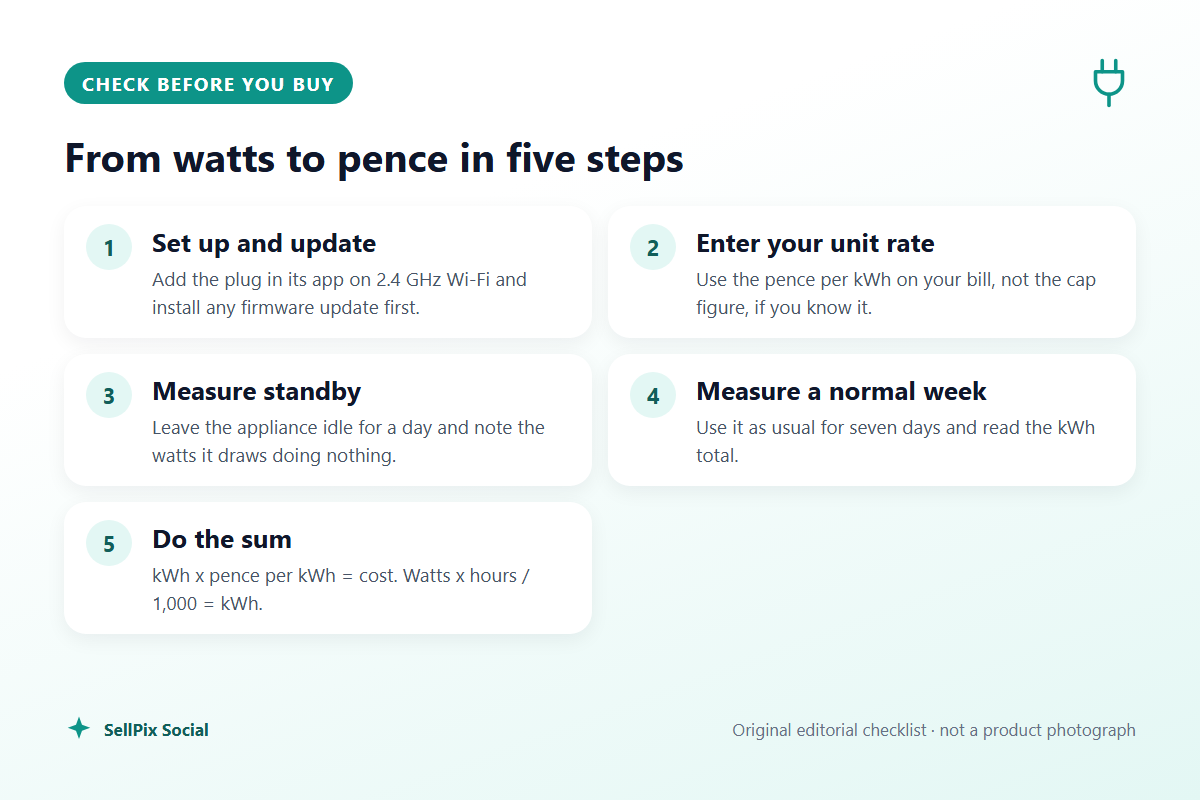
Step 1: set the plug up properly
- Install the maker's app (Tapo for TP-Link, Meross for Meross) and add the plug. Both plugs in this guide join a 2.4 GHz Wi-Fi network; TP-Link's UK page lists 2.4 GHz only and says no hub is required.
- Update the firmware before you rely on the numbers. TP-Link says the Tapo electricity-rate features need P110 firmware 1.1.2 or newer and Tapo app version 2.10 or newer.
- Name the plug after the appliance ("Dehumidifier", not "Plug 3"), so the history still makes sense when you move it.
Step 2: enter your unit rate
Find the unit rate in pence per kWh on your latest bill or in your supplier's app. Ofgem's price cap is a maximum on the unit rate and standing charge, not on your total bill, and its published figures are averages that vary by region and payment method. If you cannot find your own rate, the GB average for Direct Debit customers for 1 October to 31 December 2026 is 26.32p per kWh, with a daily standing charge of 54.83p, and Ofgem notes there is no VAT on electricity from 1 October 2026 to 31 March 2027.
Only the unit rate matters for an individual appliance. The standing charge is paid whatever you plug in, so leave it out of appliance sums.
The Tapo app offers two billing types. TP-Link describes "singular billing" for a fixed-rate plan and "periodic billing" for variable rates, where you can set different prices by season, weekday or weekend, or peak, mid-peak and off-peak hours. If you are on Economy 7 or a time-of-use tariff, use the periodic option; otherwise a single rate is fine. TP-Link also notes the currency follows your Tapo Care subscription region, so check the app shows pence.
Step 3: measure standby
Leave the appliance plugged in but not in use for a full day: TV off with the remote, console in rest mode, printer idle. Note the live watt reading and the kWh logged over 24 hours.
The conversion is simple: kWh = watts x hours / 1,000. A device idling at 5 W all day uses 5 x 24 / 1,000 = 0.12 kWh a day, or about 43.8 kWh a year. At 26.32p per kWh that is roughly 1,153p, about 11.50 pounds a year, for doing nothing. Most single gadgets are smaller than that, but a cluster of set-top box, soundbar, console and router can add up.
The Energy Saving Trust estimates that turning appliances off standby saves around 45 pounds a year for a household in Great Britain (55 in Northern Ireland). Your plug readings show which of your own devices make up that figure.
Step 4: measure a normal week
Standby is only half the story. Leave the plug on the appliance for seven days of ordinary use and read the weekly kWh. Multiply by your unit rate for a weekly cost, and by 52 for a rough annual one. A week smooths out the difference between a heavy-use Saturday and a quiet Tuesday; for seasonal kit like a dehumidifier, repeat the week in winter.
Which appliances to measure, and which to leave alone
| Appliance type | Suits a 13A monitoring plug? | Why |
|---|---|---|
| TV, soundbar, set-top box, console | Yes | Low draw; standby is often what you want to find |
| Home office (monitor, printer, desktop PC) | Yes | Idle and sleep power show up clearly over a day |
| Dehumidifier, small fridge or freezer | Check the motor limit first | TP-Link warns against motors or compressors above 1/6 HP |
| Fan heater, oil-filled radiator, kettle | No | Continuous high draw close to or above the plug's 2,990 W rating |
| Electric vehicle charging | No | TP-Link says EV charging current exceeds the plug's rating |
| Anything outdoors | No | TP-Link says the P110 is for indoor use only |
The rule of thumb is that a monitoring plug is a measuring tool for small and medium loads. TP-Link rates the Tapo P110 at 13A, 2,990 W and a 1/6 HP motor, says it is for indoor use only and warns specifically against air conditioners and EV charging. A 3 kW heater or kettle would run the plug at or beyond its limit for long periods, so plug those straight into the wall and look at the rating plate or your smart meter instead.
Also remember what should stay on. The Energy Saving Trust points out that fridges and freezers need to run all the time and some satellite or digital TV recorders need power to record. Measuring them is useful; scheduling them off is not.
Acting on the numbers
- High standby, rarely used (spare-room TV, games console): switch off at the wall or set a schedule in the app.
- High in-use cost (old fridge, dehumidifier): compare the weekly kWh with the energy label of a replacement before spending money.
- Low on both: leave it alone. A plug that saves a few pence a year is better moved to the next appliance.
Once one appliance is measured, move the plug on. One monitoring plug can survey a whole house over a couple of months.
Buying decision
Choose the TP-Link Tapo P110 if you want the clearest cost tracking: TP-Link documents an electricity-rate setting with single or time-of-use rates, so the app shows costs as well as kWh. Choose the Meross MSS305 if your home already runs Meross devices, you use SmartThings, or you want the plug to keep working from the app on your home network when the internet is down, which the listing says it does. Skip both if the appliance you care about is a heater, EV charger or anything outdoors; use your smart meter's in-home display instead.
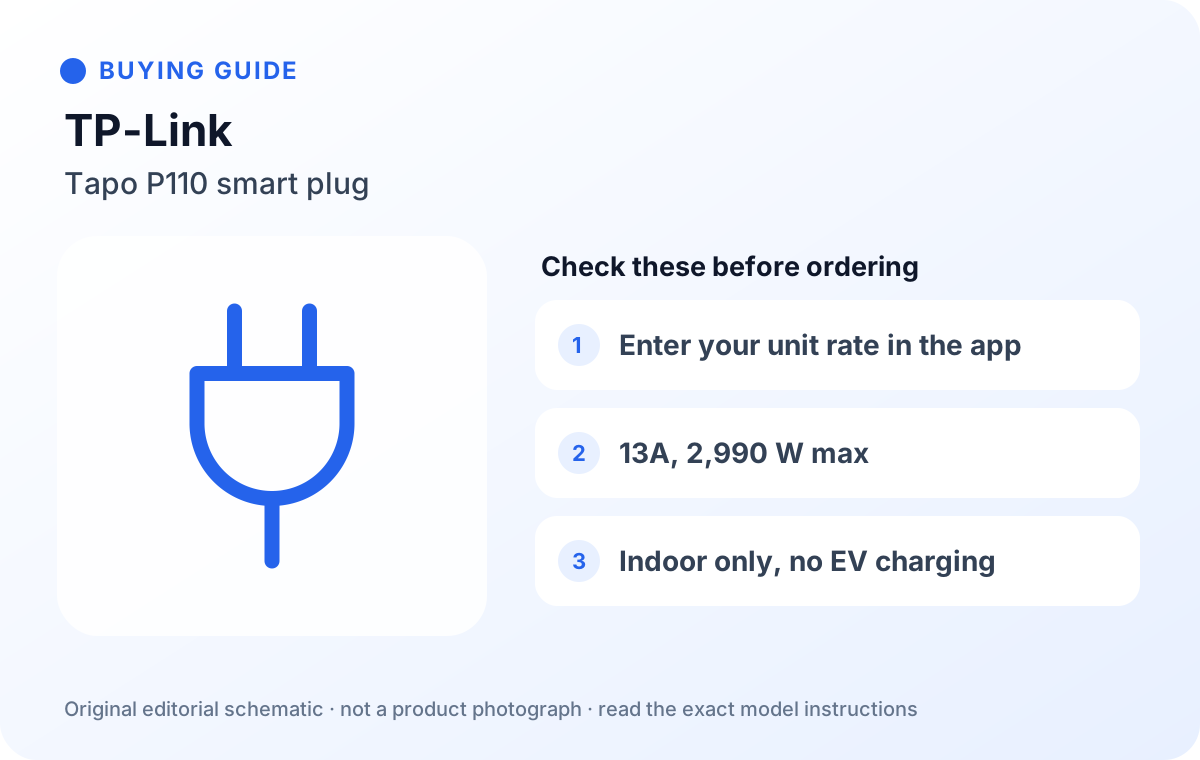
Tapo P110 Smart Plug, Energy Monitoring WiFi Plug, Max 13A (single plug)
A single UK smart plug with energy monitoring in the Tapo app. TP-Link documents an electricity-rate setting, including time-of-use rates, so you can see estimated costs as well as kWh.
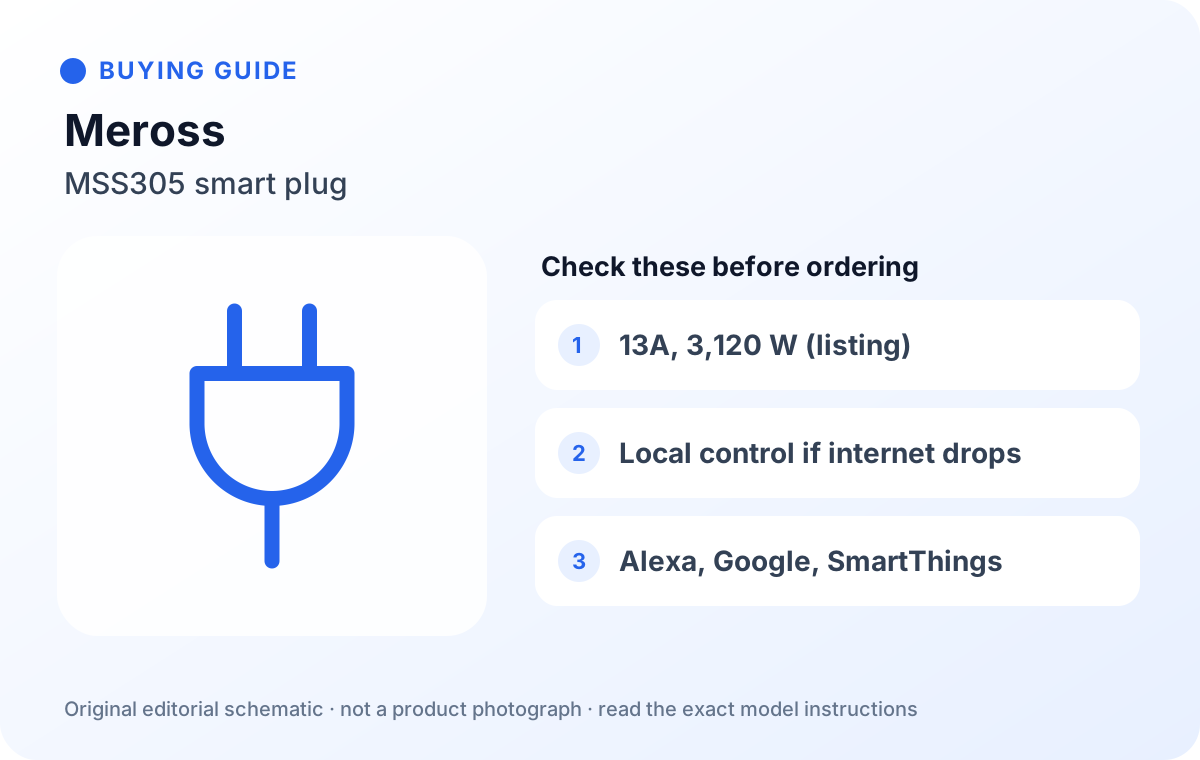
Meross MSS305 Mini Smart Plug with Energy Monitoring, 1-Pack
A compact UK energy-monitoring plug from Meross. The listing rates it at 13A and 3,120 W, says it works with Alexa and Google Home, and that it can still be controlled on your home network if the internet connection drops.
| TP-Link Tapo P110 | Meross MSS305 | |
|---|---|---|
| Rated load | 13A, 2,990 W (maker page and listing) | 13A, 3,120 W (listing) |
| Cost tracking | Electricity rate entry, single or time-of-use rates (maker FAQ) | Energy monitoring in the Meross app (listing) |
| Wi-Fi | 2.4 GHz, no hub (maker page) | 2.4 GHz, no hub, Bluetooth for pairing (listing) |
| Voice assistants | Alexa, Google Assistant | Alexa, Google Home; SmartThings in listing title |
| If the internet drops | Not stated | Local control on the same network (listing) |
| Use | Indoor only; not for EV charging | Check the manual for load limits |
Before you order
- Check the exact model: TP-Link also sells a P110M (Matter) and 2- and 4-packs of the P110; the link here is a single P110.
- The Meross link is the 1-pack MSS305; Meross also sells 2- and 4-packs and a separate Matter model (MSS315).
- Make sure your router offers 2.4 GHz Wi-Fi near the socket you will use.
- Confirm the plug fits beside the neighbouring socket on a double wall plate.
- Read the rated load and keep heaters and EV charging off it.
FAQ
How accurate are smart plug energy readings?
Good enough for comparing appliances and spotting standby waste, but not billing grade. TP-Link describes the app's bill as an estimate for reference only; your supplier's meter is what you pay on.
Should I use the Ofgem cap rate or my own tariff?
Your own unit rate, if you know it. The Ofgem figure (26.32p per kWh for GB Direct Debit, 1 October to 31 December 2026) is an average that varies by region and payment method.
Do I include the standing charge?
No. You pay the standing charge whatever you plug in, so leave it out when costing a single appliance.
Can I put a heater or tumble dryer on a smart plug?
Keep high-draw heating appliances and EV chargers off it. TP-Link rates the P110 at 2,990 W and warns against motors or compressors above 1/6 HP, so check the appliance's rating plate before connecting anything large.
Is switching off standby really worth it?
The Energy Saving Trust puts the household saving at around 45 pounds a year in Great Britain. Your readings tell you which of your own devices are worth the bother.
How we researched this
We read Ofgem's price cap pages, the Energy Saving Trust's quick energy-saving tips, TP-Link's Tapo P110 page and energy-monitoring FAQ, and Meross's MSS305UK product page on 10 October 2026, and checked both Amazon.co.uk listings the same day. We did not buy or test these plugs; the worked example uses an illustrative 5 W standby load, not a measured one. Unit rates change every quarter, so check Ofgem or your bill before you do the sums. Buying links and any commission relationship are disclosed on this page.
Sources
- Ofgem – Energy price cap unit rates and standing charges
- Ofgem – Energy price cap and standing charges explained
- Energy Saving Trust – Quick tips to save energy at home
- TP-Link UK – Tapo P110 Mini Smart Wi-Fi Socket, Energy Monitoring
- TP-Link – Tapo plug energy monitoring feature FAQ
- Meross – MSS305UK Smart Wi-Fi Plug with Energy Monitor
- Amazon.co.uk listing, ASIN B097YBXHTW
- Amazon.co.uk listing, ASIN B0CGCG27GF