'/%3e%3cpath%20d='M31%2038c0-8%206-14%2014-14h38c8%200%2014%206%2014%2014v52c0%208-6%2014-14%2014H45c-8%200-14-6-14-14V38z'%20fill='url(%23tmPanel)'%20filter='url(%23tmShadow)'/%3e%3cpath%20d='M44%2044h40'%20fill='none'%20stroke='%23f97316'%20stroke-width='8'%20stroke-linecap='round'/%3e%3cpath%20d='M44%2061h24'%20fill='none'%20stroke='%23fdba74'%20stroke-width='8'%20stroke-linecap='round'/%3e%3cpath%20d='M43%2087l13-14%2011%2010%2017-21%202%2025H43z'%20fill='%23fb923c'/%3e%3ccircle%20cx='84'%20cy='58'%20r='6'%20fill='%23f97316'/%3e%3cpath%20d='M77%2091l16-18%2014%2014'%20fill='none'%20stroke='%2316a34a'%20stroke-width='7'%20stroke-linecap='round'%20stroke-linejoin='round'/%3e%3cpath%20d='M99%2074h-6v-6'%20fill='none'%20stroke='%2316a34a'%20stroke-width='7'%20stroke-linecap='round'%20stroke-linejoin='round'/%3e%3cpath%20d='M30%2034c8-10%2020-15%2034-15s26%205%2034%2015'%20fill='none'%20stroke='%23fff7ed'%20stroke-width='5'%20stroke-linecap='round'%20opacity='.92'/%3e%3cpath%20d='M27%2096c9%208%2021%2012%2037%2012s28-4%2037-12'%20fill='none'%20stroke='%23fff7ed'%20stroke-width='5'%20stroke-linecap='round'%20opacity='.72'/%3e%3c/svg%3e)
USB-C charger with a UK plug for a laptop and phone: how many watts do you really need?
The big number on a multi-port charger is usually for one port on its own. Plug in a phone as well and the laptop port drops, for example from 65W to 45W. This guide shows how to read the power split, when you need a 5A e-marked cable, what PPS means for Samsung phones, and what to check for safety before buying a UK-plug charger.
Quick answer: Add your laptop's wattage to about 20W for a phone, then look for the charger's two-port figure, not the headline number. The Belkin BoostCharge Pro 65W (UK plug) gives 45W + 20W when both USB-C ports are busy, which suits a 45W-class laptop and a phone. The UGREEN Nexode 65W 3-port adds a USB-A port and folding pins. If your laptop needs 65W or more while the phone charges, size up to a 100W charger such as the UGREEN Nexode 100W 4-port, and use a 5A e-marked cable.
Why the headline wattage is misleading
A multi-port charger shares one power supply between its ports. The figure on the box is almost always the maximum from a single port. Belkin's UK page for the BoostCharge Pro 65W is clear about it: up to 65W from one USB-C port, or 45W + 20W when both are used, and its footnote says the second port must be free for the full single-port output. Anker publishes the same kind of table for its 735 Charger (Nano II 65W): 65W from one USB-C port, 45W + 20W across both, and 40W + 12W + 12W with all three in use.
So the question is not "is it 65W?" but "what does the laptop port give when the phone is also plugged in?". A laptop that wants 65W will usually still charge from 45W, just more slowly, and it may barely hold its charge under heavy use. Check your laptop's manual.
Step 1: find out what your laptop needs
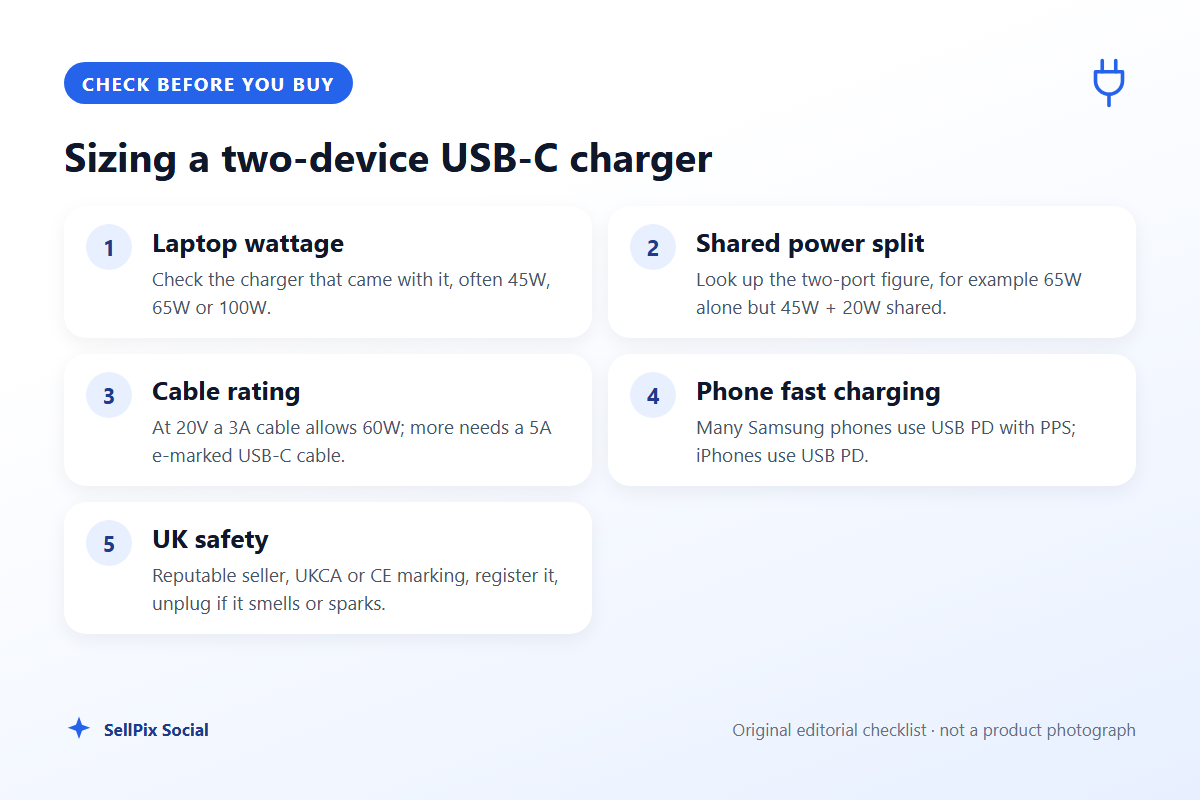
Look at the charger that came with the laptop, or the maker's specification page. Small laptops and tablets often ship with 30W to 45W chargers, many 13 to 14-inch laptops with 65W, and larger or performance laptops with 90W or more. Some laptops will not charge at all below a minimum wattage, so a 20W phone plug is not a substitute.
Step 2: add the phone and read the split
Many phones charge at around 20W over USB-C, and some Samsung models go higher with PPS (see below); check your phone maker's specification. Add that to the laptop figure and compare it with the charger's two-port split. Not every maker publishes one: UGREEN's UK pages for the two Nexode chargers below give the total output and port types but not a full split table in text. Where there is no published split, assume the laptop port drops when a second device is connected, and check the manual or ask the seller before relying on it.
| Your laptop | What to look for | Example from this guide |
|---|---|---|
| Tablet or small laptop, about 30–45W | 65W charger with 45W + 20W split | Belkin BoostCharge Pro 65W |
| Same, plus older USB-A gadgets | 65W, 2 x USB-C + 1 x USB-A | UGREEN Nexode 65W 3-port |
| Typical 65W laptop plus phone | 100W total, laptop port above 65W | UGREEN Nexode 100W 4-port |
Step 3: use the right cable
The cable decides how much power can actually flow. The USB Implementers Forum (USB-IF) explains that USB Power Delivery was limited to 100W, delivered at 20V using USB-C cables rated at 5A, before the PD 3.1 update raised the ceiling to 240W with full-featured cables. The arithmetic follows from that: at 20V, a cable rated at 3A allows 60W (20V x 3A), so anything above 60W needs a 5A cable, which carries an e-marker chip. If your laptop charges slowly from a powerful charger, the cable is the first thing to check. UGREEN's UK pages list only the charger and a quick start guide in the box for both Nexode models, so budget for a cable.
Step 4: phones and PPS
USB Power Delivery (USB PD) is the standard most laptops and iPhones use over USB-C. Many Samsung Galaxy phones use an extra mode called PPS (Programmable Power Supply) for their fastest "Super Fast Charging". Belkin states that its BoostCharge Pro 65W is USB-C PD 3.0 with PPS; UGREEN lists PPS on the USB-C ports of both Nexode chargers, and its Amazon listings give the PPS rating as 25W. If you own a recent Galaxy phone and care about its top speed, look for PPS on the spec sheet; otherwise any USB PD charger will charge it, just more slowly.
Step 5: UK plug and safety
Buy a charger listed with a UK 3-pin plug (Type G); a foreign plug in a travel adaptor is less stable and adds a weak point. All three listings below give the plug type as Type G. Folding pins are useful in a laptop bag: UGREEN's UK page marks the Nexode 65W 3-port as foldable and the Nexode 100W 4-port as not foldable, while Belkin's UK page does not say.
Electrical Safety First advises buying USB chargers from a reputable retailer, warning that chargers from third-party online sellers may not have passed the necessary safety checks and that counterfeit chargers can carry a higher risk of fire. It notes that USB chargers must meet the Electrical Equipment (Safety) Regulations 2016, recommends registering the charger so you can be contacted about recalls, and says to unplug at once if you notice odd smells, sparking, smoke, swelling, cracks or damage. Its advice is also not to leave chargers on overnight or while you are out, and to keep them uncovered in a well-ventilated place. On markings, GOV.UK guidance says Great Britain continues to recognise the CE marking alongside or instead of the UKCA mark; both show that the manufacturer believes the product meets the relevant requirements.
Buying decision
- Choose the Belkin BoostCharge Pro 65W if you want a published split you can plan around (65W alone, 45W + 20W shared), PPS for a Samsung phone, and two USB-C ports are enough.
- Choose the UGREEN Nexode 65W 3-port if you also charge an older USB-A gadget and want folding pins for a laptop bag. Expect the laptop port to drop when other ports are busy; UGREEN's listing gives 65W/45W for the USB-C ports.
- Choose the UGREEN Nexode 100W 4-port if your laptop needs 65W or more and you want headroom to charge a phone, tablet and earbuds from the same desk plug. Its pins do not fold, and you need a 5A e-marked cable for 100W.
- Skip all three if your laptop uses a barrel or proprietary connector rather than USB-C charging; check the laptop's manual first.
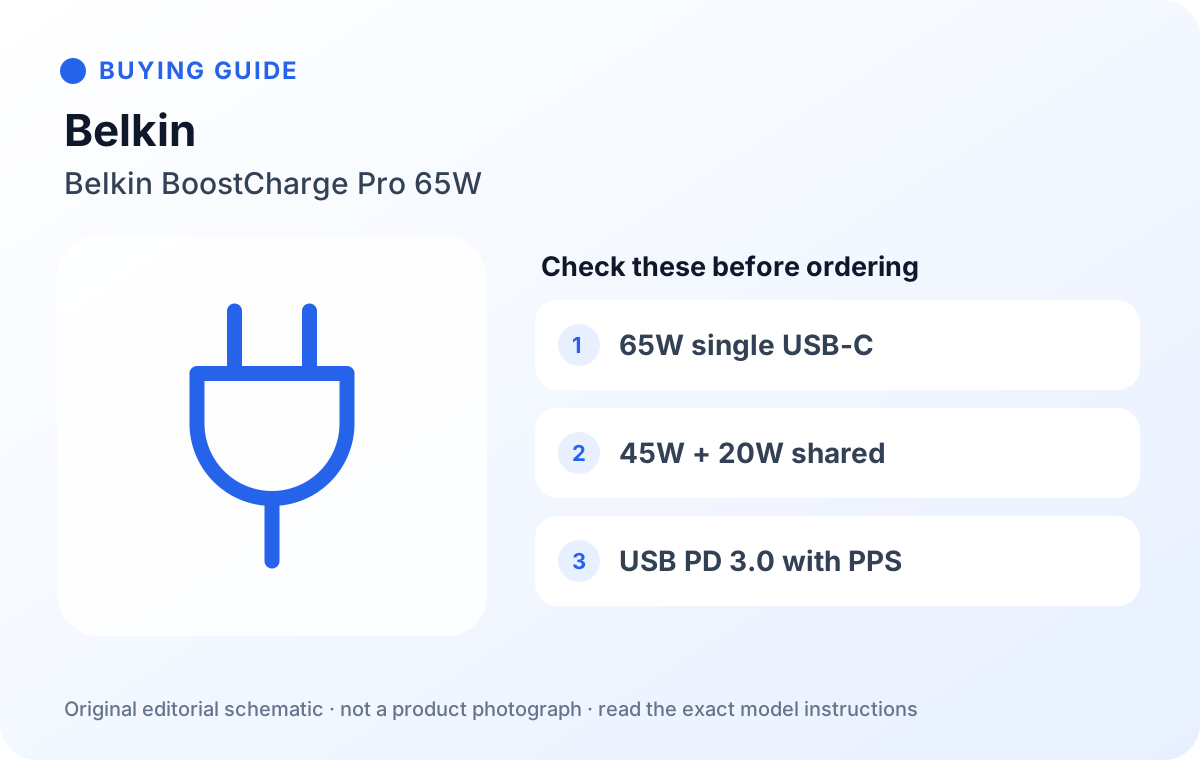
Belkin 65W Dual USB Type C Wall Charger, Fast Charging Power Delivery 3.0 with GaN Technology (WCH013myBK), Black
A two-port USB-C GaN charger (model WCH013myBK, Type G UK plug on the listing) that Belkin specifies as USB-C PD 3.0 with PPS: up to 65W from one port, or 45W + 20W with both in use. Belkin lists a 2-year warranty.
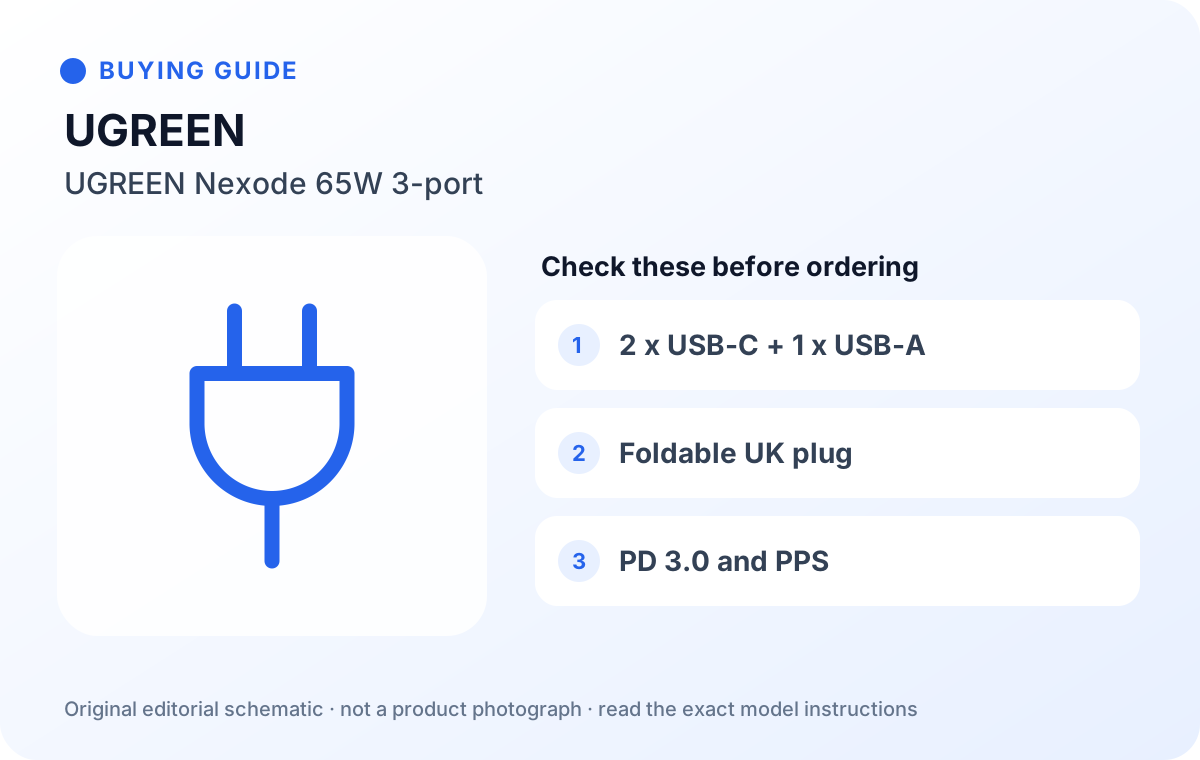
UGREEN Nexode 65W USB C Plug, 3-Port Foldable GaN Fast Travel Charger (90663)
A 65W three-port GaN charger (2 x USB-C, 1 x USB-A) with a foldable UK plug. UGREEN lists PD 3.0 and PPS on the USB-C ports; the listing gives the USB-C ports as 65W/45W and PPS at 25W. UGREEN's UK page does not publish a full split table.
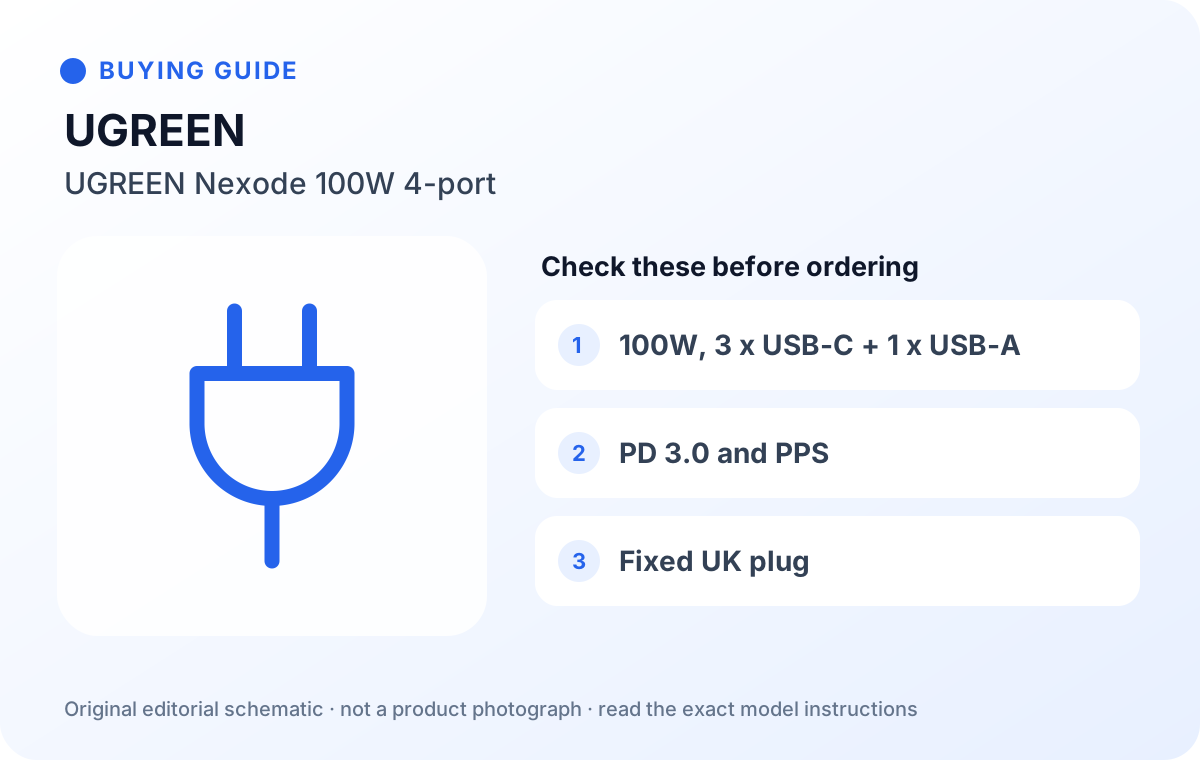
UGREEN Nexode USB C Plug 100W, GaN Fast Charger 4-Port Laptop Charger (40749), Grey
A 100W four-port GaN charger (3 x USB-C, 1 x USB-A) for a desk or a bigger laptop. UGREEN lists 100W maximum per port and total, PD 3.0, PPS and other protocols; the plug does not fold. UGREEN's UK page does not publish a full split table.
| Belkin BoostCharge Pro 65W | UGREEN Nexode 65W 3-port | UGREEN Nexode 100W 4-port | |
|---|---|---|---|
| Model | WCH013myBK | 90663 | 40749 |
| Ports | 2 x USB-C | 2 x USB-C, 1 x USB-A | 3 x USB-C, 1 x USB-A |
| Total / single-port maximum | 65W | 65W | 100W |
| Two USB-C ports together | 45W + 20W (Belkin) | Not published in text; listing: USB-C 65W/45W | Not published in text |
| PPS | Yes (Belkin) | Yes, 25W (listing) | Yes, 25W (listing) |
| Plug (listing) | Type G | Type G, foldable | Type G, not foldable (UGREEN) |
| Size (maker) | Not stated | 57 x 50 x 46 mm | 70 x 50 x 50 mm |
Before you order
- Check the listing says UK plug (Type G, 3-pin), not EU or US with an adaptor, and that the model number matches (WCH013myBK, 90663 or 40749).
- Find your laptop's required wattage and compare it with the two-port figure, not the headline number.
- Use a USB-C cable rated for the power: 5A e-marked for anything over 60W.
- Buy from Amazon itself or the brand's own storefront where possible, and register the charger with the maker.
- If you own a Samsung phone that uses Super Fast Charging, look for PPS in the specification.
FAQ
Can a 65W charger damage a phone that only needs 20W?
No. USB Power Delivery negotiates the voltage and current with the device, so the phone only draws what it supports. The 65W figure is a maximum, not what it forces into the phone.
Will my laptop charge from 45W if it came with a 65W charger?
Usually, but more slowly, and it may not keep up under heavy load. Some laptops show a slow-charger warning. Check the maker's manual for the minimum wattage.
Do I need a GaN charger?
GaN (gallium nitride) chargers are smaller for the same power, which is why most compact multi-port chargers use it. It is a design choice, not a safety mark; the safety checks above still apply.
Is it safe to leave a USB charger plugged in all the time?
Electrical Safety First advises not to use USB chargers overnight or while you are out, and to unplug once charging is finished.
Why does my laptop charge slowly from a 100W charger?
Usually the cable. At 20V a 3A cable allows 60W; for 100W you need a 5A e-marked cable. A second device on the same charger can also take part of the power.
How we researched this
On 2026-10-10 we read Belkin UK's page for the BoostCharge Pro 65W with PPS, UGREEN UK's pages for the Nexode 65W 3-port and Nexode 100W 4-port, Anker UK's page for the 735 Charger (Nano II 65W) as an example of a published split, USB-IF's USB Power Delivery page, Electrical Safety First's USB charger advice and GOV.UK's UKCA guidance, and checked each Amazon.co.uk listing, including its plug type. We first shortlisted Anker chargers, but the Anker 735 we planned to cover was not on Amazon.co.uk as a standalone UK listing on that date, and other Anker listings we found gave a US plug type in their details, so we left them out. We did not test these chargers or measure their output. Buying links and any commission relationship are disclosed on this page.
Sources
- Belkin UK: BoostCharge Pro Dual USB-C GaN Wall Charger with PPS 65W
- UGREEN UK: Nexode 65W 3-Port Charger with Foldable Plug
- UGREEN UK: Nexode 100W 4-Port Charger
- Anker UK: 735 Charger (Nano II 65W)
- USB-IF: USB Charger (USB Power Delivery)
- Electrical Safety First: USB chargers
- GOV.UK: using the UKCA marking
- Amazon.co.uk listing, ASIN B0B4P3FSYJ
- Amazon.co.uk listing, ASIN B0B7N4DX1Z
- Amazon.co.uk listing, ASIN B091N7FVDL